
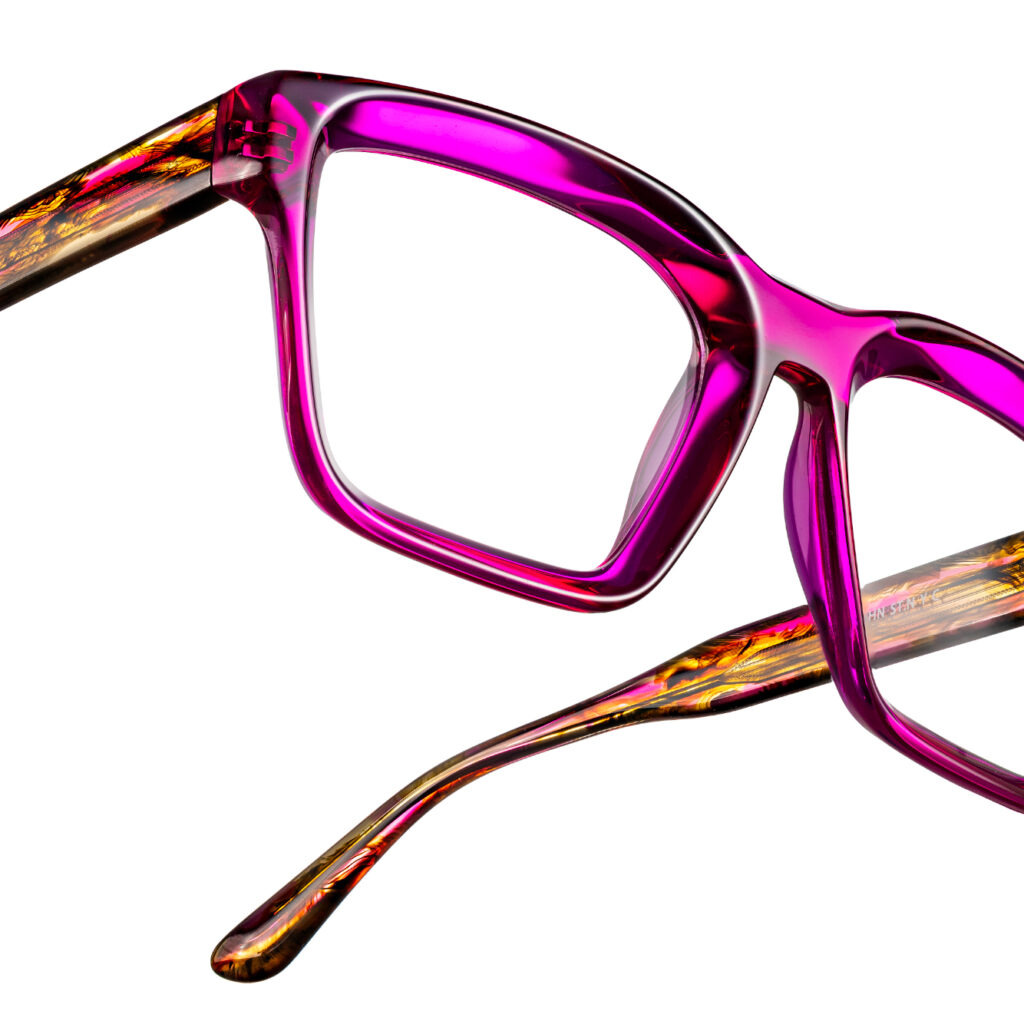
Visual presentation of products plays a key role in attracting the attention of customers. When customers can't physically try on products, quality photos are critical to building trust and driving sales in an online store.
Read useful tips, how to create high quality product photos, that will increase the appeal and sales of your e-commerce.
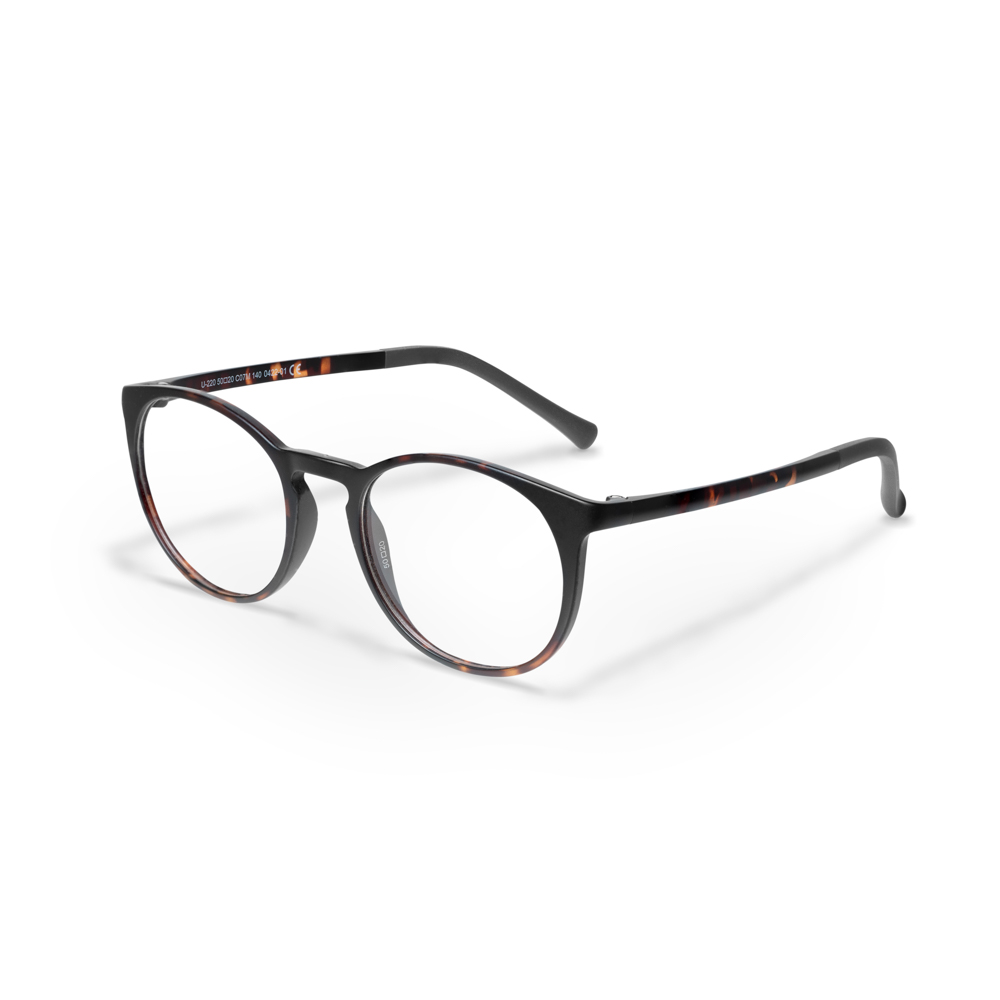
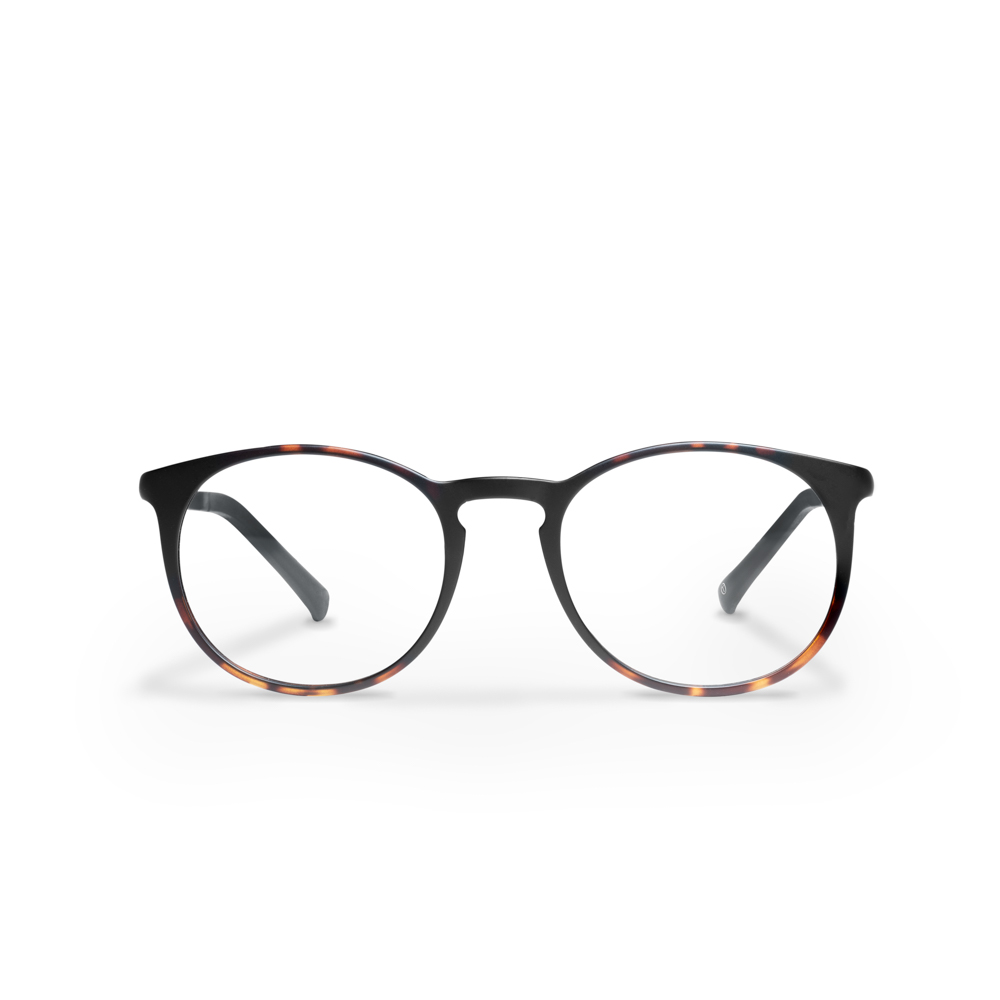
Preparation And Lighting
Start by preparing the products and the environment where you will shoot. Use natural light or artificial lighting, to achieve even and soft light.
The simplest and the most common lighting placement is above the product from a 45 degree viewing angle (left or right) to avoid hard shadows. If the shadows on your product are still too strong, place a white reflective plate on the opposite side of the product, which will reduce the intensity level of shadows on your product.
We suggest that you avoid setups that involve multiple lights or flash units to begin with, as you can 90% of photos are taken with only one light source.
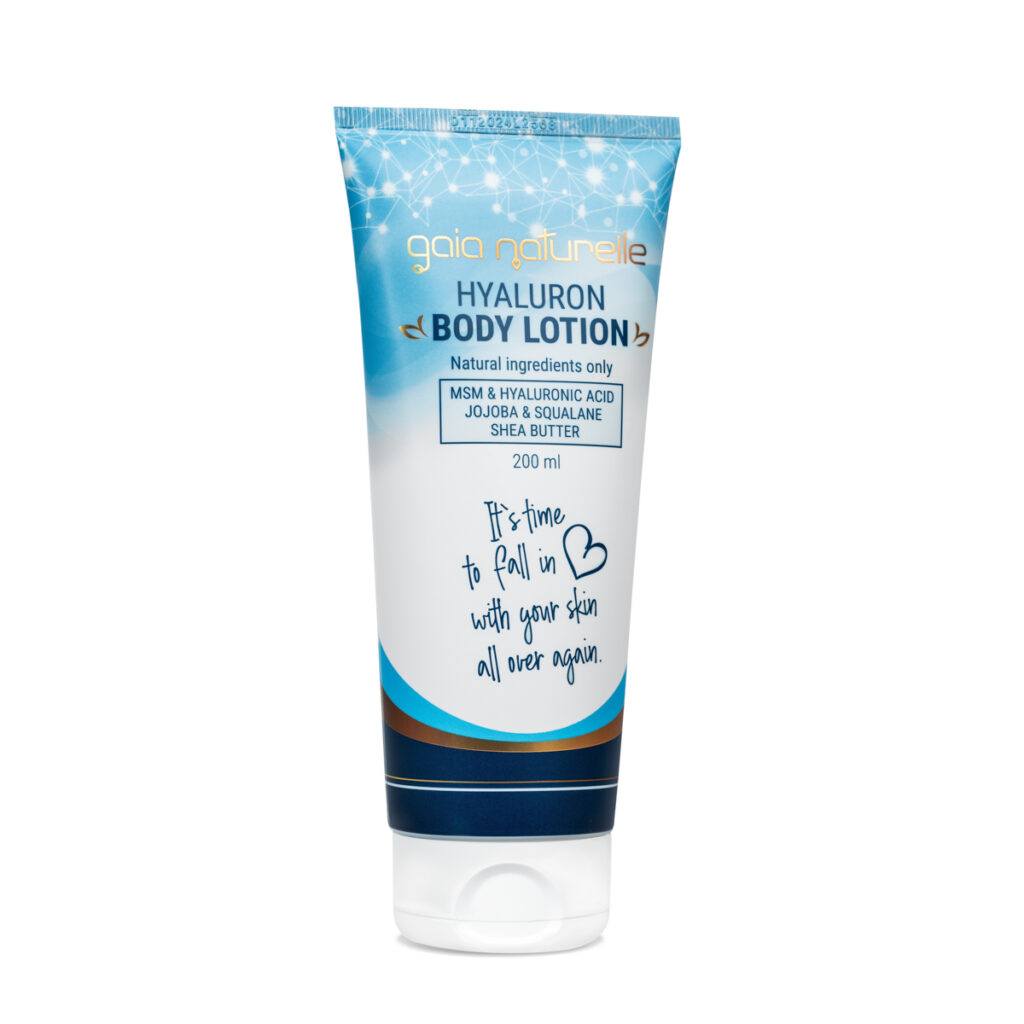
Select Appropriate Wallpaper
For a neutral background use a white or gray paper studio background. Thicker paper in a larger format can also serve as a background. This allows you to make the product stand out and not have distracting elements on the background.
Using Different Angles
Present the product from different angles and perspectives. Include footage that highlights the details and practical use of the product, as you will show customers the practical value of the product.

The Right Use of Sharpness
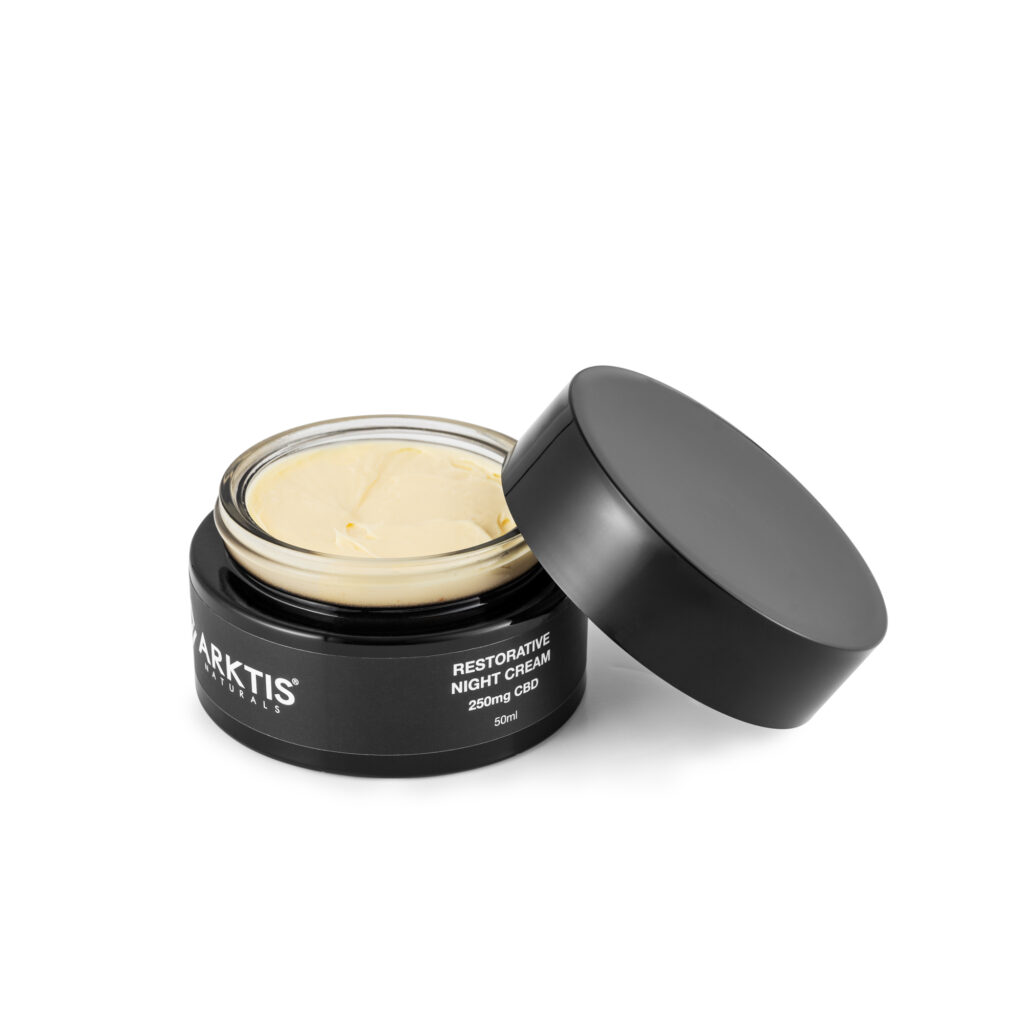
Set the appropriate sharpness to focus the main part of the product. Use a smaller aperture (higher number) for greater depth of field and highlighting of details. A suitable aperture for product photography ranges in the range where your lens provides the best sharpness. This is usually in the f8 – f11 range, as we want the entire product to be in focus.
If you are skilled with a camera and photo processing, you can also try the "focus stacking" technique where in post production (Photoshop) you combine several photos of your product into one final photo. Make sure that your camera is completely still in such a situation, and so is your product.
Use of High Quality Equipment
Invest in a quality camera and lens if possible. Quality equipment will ensure sharp and rich recordings. If you use a smartphone, choose one with advanced photo features and enable HDR (high dynamic range) on it.
Adequate Color Representation
To achieve the correct colors of the product ensure correct color calibration and white balance. This is key to realistic color rendering and consistency of your products
A Minimalist Approach
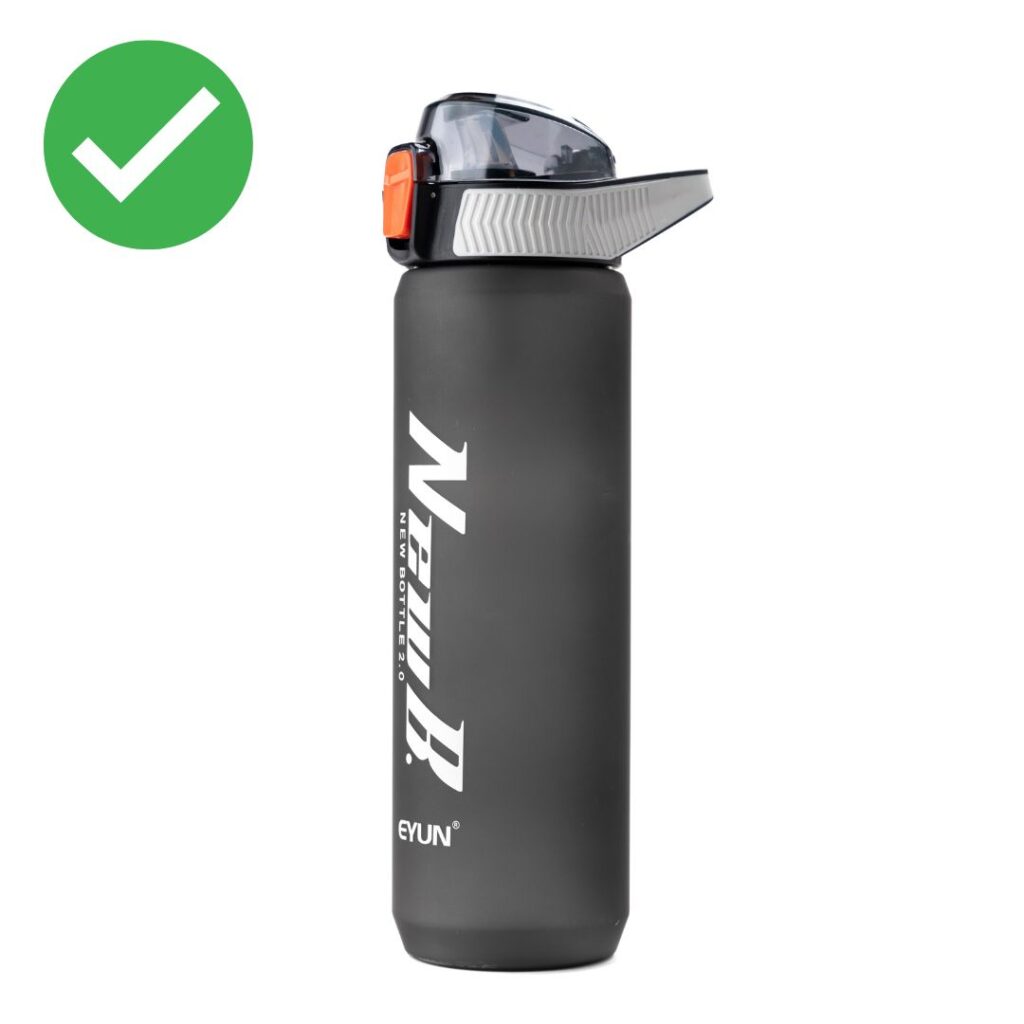
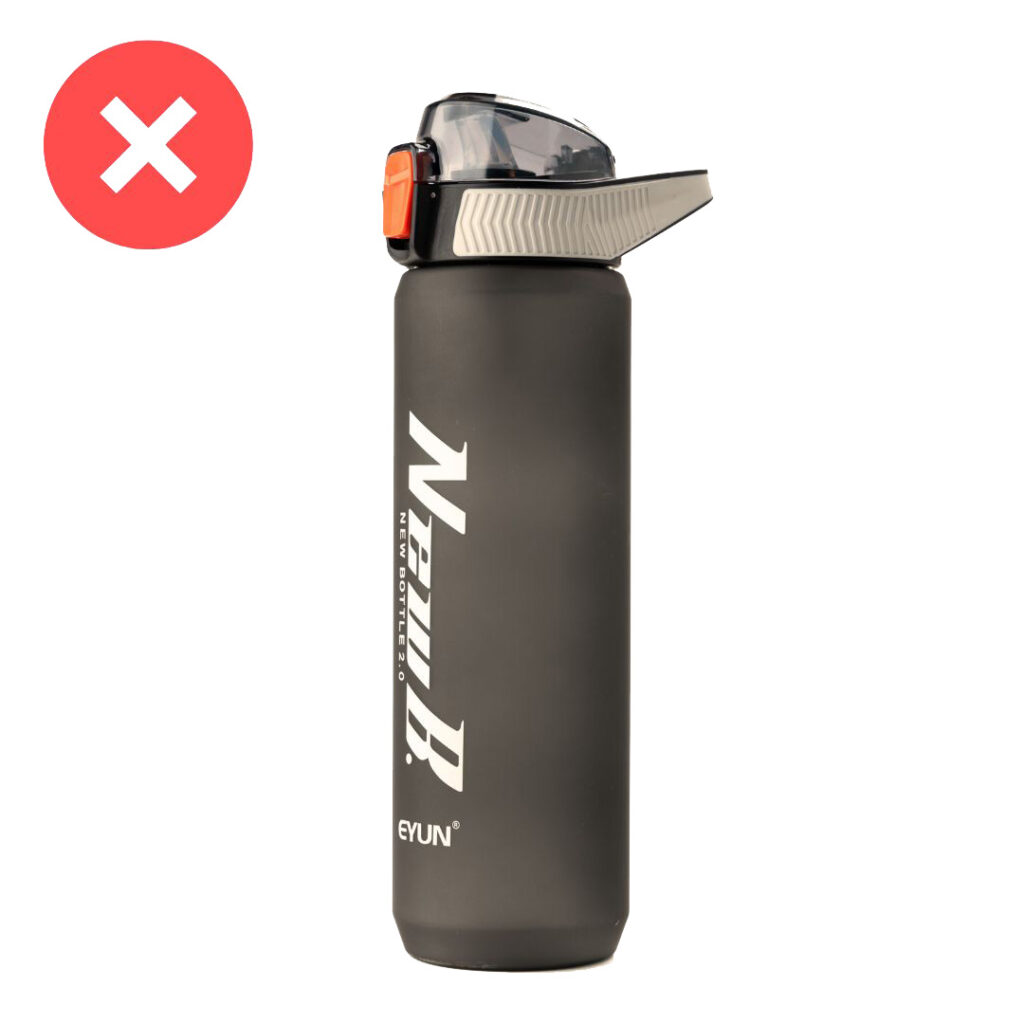
Less is more. Focus on the main product and remove distracting elements to create clean compositions. A minimalistic approach emphasizes the point and draws the eye, which is key with photos for online stores.
Series of Photographs
For a complete overview of the product take multiple photos from different perspectives. Make sure each shot adds new information about the product.
Usage display
Show how the product improves customers' lives. Use mockups or create scenarios that show the product in use and its benefits. This can be done in the studio or in the environment where the product is primarily used.
Photo Size and Resolution
Photos from your camera should be of the highest resolution for a clear display of details. You will later adjust the size of the photos in post production, to meet the requirements of your online store. They are usually used for use in online stores photos in 1:1 ratio and 1200×1200 pxl.
Proper photo processing
Use retouching tools, to remove small irregularities and improve the appearance of the product. Be careful not to overdo it and keep the natural look. Adobe Photoshop is usually used for this as it offers full control over your photo.
Follow the Online Store Guidelines
It is important to adhere to your online store's guidelines and requirements for the best product photos. Following these guidelines will make it easier to add photos to your website.
Summary
High-quality product photos they are critical to acquiring new customers and increasing e-commerce sales. With the right photography techniques you can stand out among the competition and allow customers to better understand the product before purchasing.
Photos are the visual bridge between the product and the customer, so take the time to create them and improve your customers' user experience.